Home Reviews Pricing Sign in Create account

Checkvist. Online outliner and task list manager for groups

online collaborative outliner and task list manager

Read Checkvist reviews

Create free account

You can change these settings anytime on your profile page
We will never share or misuse your private data

"Idea trap": brainstorming with online outliner

Speed of data input is critical for a brainstorming session. If you ever worked in any desktop outliner, you already know how to use Checkvist's keyboard shortcuts: Enter to add a new task, Shift-Enter - a subtask, Del - delete, F2 or double-click - edit. Switching between the lists? Press ll. Adding note to an item? Press nn. Easy to remember, easy to use.
Clutter-free interface helps concentrating on a task at hand.

Collaboration: task lists for teams

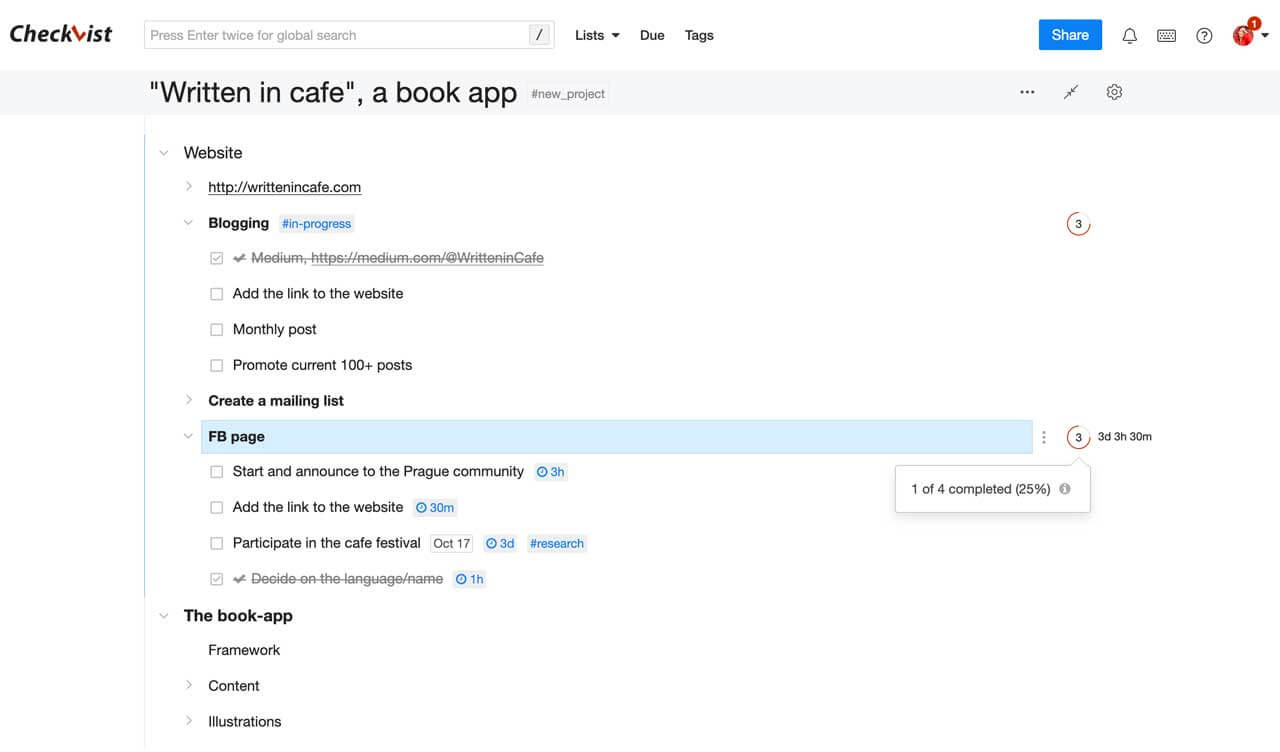
Concurrent editing, notes, and email notifications make Checkvist a great tool for team work. Create an outline for any complicated meta-task in your project, share it with your team and drill down. Create a test plan and share it with the people who'll be doing the work. Check on their progress, and re-use the plan later with a built-in Copy feature.

Exchange data with other applications through import and export

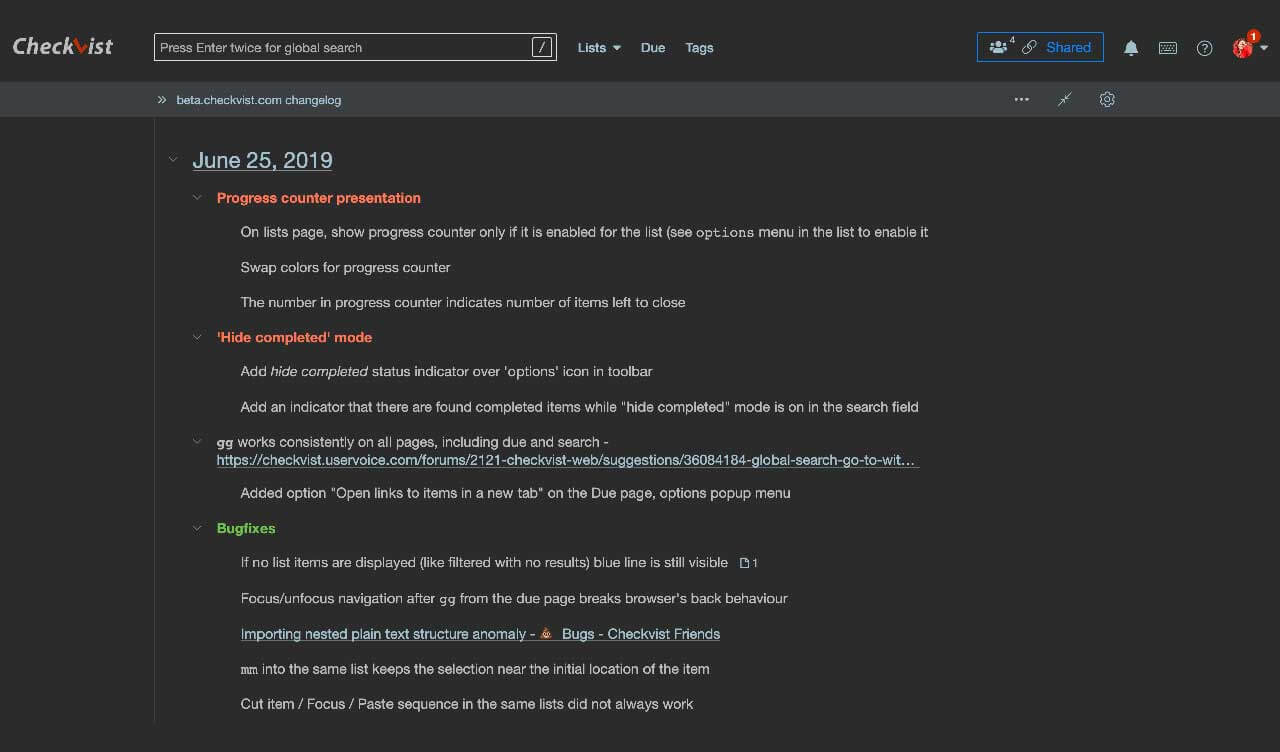
No vendor lock-in or proprietary data format. Checkvist supports several convenient formats, including plain text (tabs), Atlassian Confluence format (wiki), OPML format (Mac), and HTML format. When exporting, you can include or exclude notes, status, and change details.

Printing, color labels, list numbering

Printed checklist designed for "offline use" will be a great supplement at a meeting. Visualize priority with background and font colors, switch on list numbering to easily reference a task to your peers.

Extras

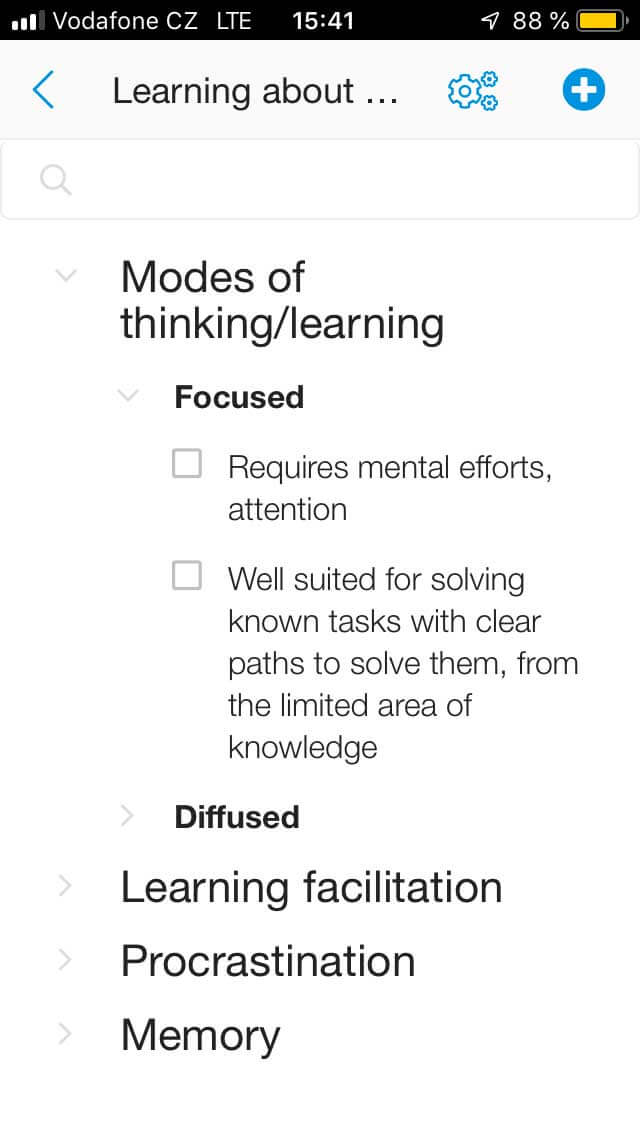
Mobile user interface (beta),  iGoogle integration iGoogle gadget, bookmarklet with  Gmail integration Gmail and issue tracker integration,  Chrome extension Chrome browser extension (provided by Luka Kladaric from Designeus studio), and Firefox sidebar Firefox sidebar — all for the fast and convenient outlining.
Register a free account and find all these goodies on your profile page.

FAQ

Some frequently asked questions - to save your and our time.

Reference

More detailed description of Checkvist features.

Open API

Integrate Checkvist with other tools that can connect to the web.